This first entry doubles as a scratchpad while I get used to Hugo and Markdown.
Code Snippet
import PyPDF2
import os

def merge_pdfs_in_current_directory(output_path):
    pdf_merger = PyPDF2.PdfMerger()
    current_directory = os.path.dirname(os.path.abspath(__file__))

    pdf_files = [f for f in os.listdir(current_directory) if f.endswith('.pdf')]

    if not pdf_files:
        print("No PDF files found in the current directory.")
        return

    for pdf in pdf_files:
        pdf_path = os.path.join(current_directory, pdf)
        print(f"Processing file: {pdf_path}")

        if not os.path.exists(pdf_path):
            print(f"File {pdf_path} does not exist. Skipping.")
            continue

        try:
            with open(pdf_path, 'rb') as f:
                pdf_merger.append(f)
                print(f"Successfully appended: {pdf_path}")
        except Exception as e:
            print(f"Error reading {pdf_path}: {e}")
            continue

    try:
        with open(output_path, 'wb') as f_out:
            pdf_merger.write(f_out)
        print(f"Merged PDF saved as {output_path}")
    except Exception as e:
        print(f"Error writing to {output_path}: {e}")
    finally:
        pdf_merger.close()

# Example usage
if __name__ == "__main__":
    output_file = 'merged_output.pdf'
    merge_pdfs_in_current_directory(output_file)
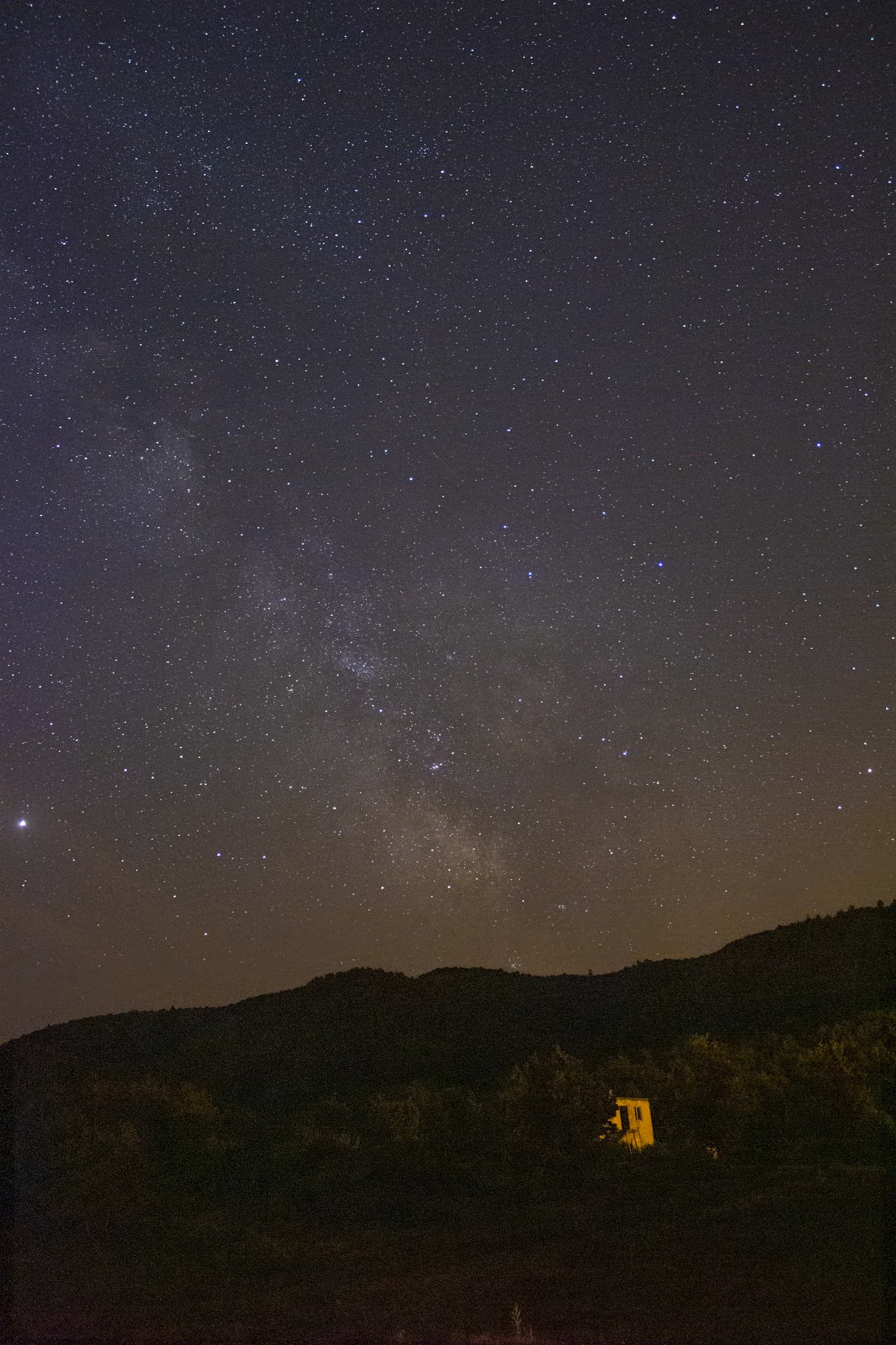
Adding Images
Shared assets live under content/images/, so reference them with root-relative paths:
Download Links
Files placed in static/ (for instance static/pdfmerge.py) are available at the site root: